
Target Function: Time Windows
The input transformations allowed in functions
Check This First!This article refers to BaseModel accessed via Docker container. Please refer to Snowflake Native App section if you are using BaseModel as SF GUI application.
In this article, we will cover transformations that can be applied to events and entity attributes in order to obtain output types and values suitable for a given business scenario.
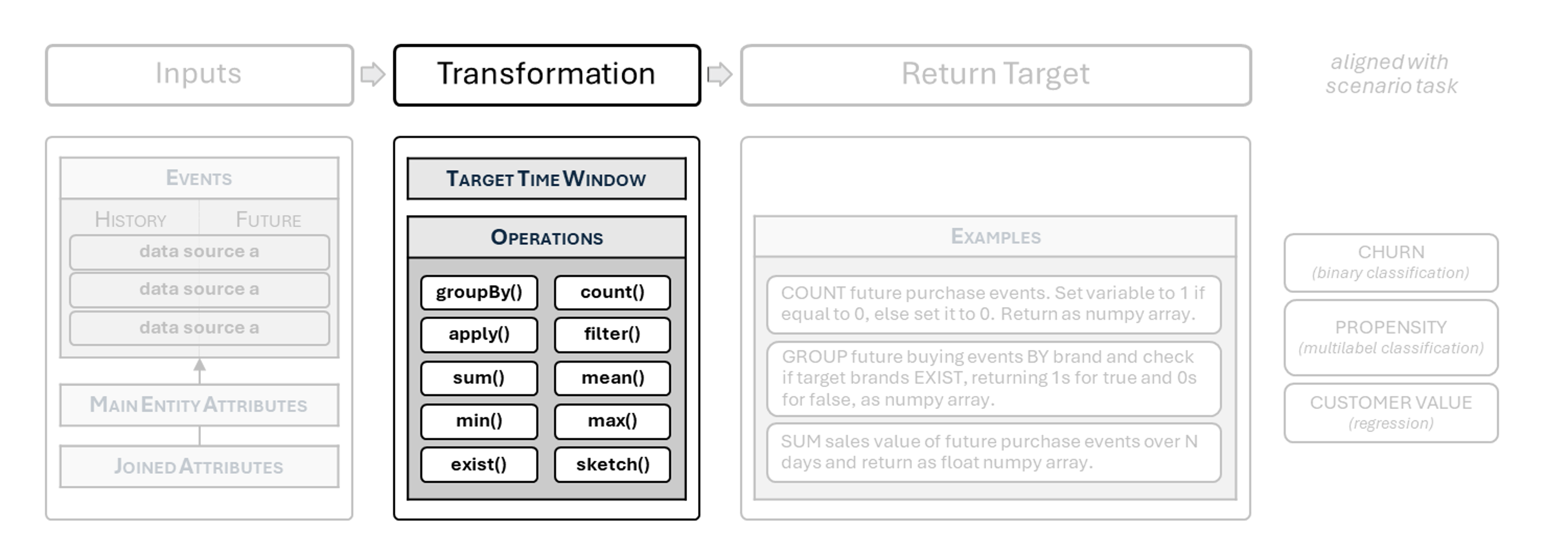
Target Time Window
The foundation model treats all events after the temporal split as "future" and trains to predict them. However, when building scenario models, the target function usually focuses on a specific period in the future, such as:
- which customers will lapse (no interaction over a defined period),
- how much a customer will spend within a given time window.
For most scenario models, it is necessary to:
- constrain the future to a specific time window after the temporal split,
- ignore entities for which the random split point leaves a too short a window to compute a meaningful target (returning
None).
Restricting future to the target window
Future slicing is handled by a single, general-purpose method:
interval_from(start, interval_length: timedelta).
NoteThis replaces
next_n_daysandnext_n_hourshelpers available in previous versions of BaseModel.
| Parameters |
|---|
- start: float
No default
Timestamp indicating the starting point of the window.
This value should always come from the automatically generated split point for the current training example, available in the target function context as_ctx[SPLIT_TIMESTAMP]. - interval_length:
datetime.timedelta
No default
Length of the time window.
Positive values slice forward in time, negative values slice backward.
Skipping entities with too short a window
Removal of invalid training examples is done with has_incomplete_training_window.
NoteAs of v.1.2.0, this function requires an explicit
timedelta.
| Parameters |
|---|
- ctx: dict
No default
Context dictionary passed to the target function as_ctx. - required_length:
datetime.timedelta
No default
Required length of the training window needed to compute the target.
Practical Example 1: longer term future defined in days
from datetime import timedelta

def target_fn(_history: Events, future: Events, _entity: Attributes, _ctx: Dict) -> np.ndarray:

    # define target window length
    target_window = timedelta(days=21)

    # skip entities with insufficient future window
    if has_incomplete_training_window(_ctx, timedelta(days=target_window_days)):
        return None

    # constrain future events to the next 21 days
    future = future.interval_from(
        start=_ctx[SPLIT_TIMESTAMP],
        interval_length=target_window,
    )

    ...
Practical Example 2: short term future defined in hours
from datetime import timedelta

def target_fn(_history: Events, future: Events, _entity: Attributes, _ctx: Dict) -> np.ndarray:

    # define target window length
    target_window = timedelta(hours=48)

    # skip entities with insufficient future window
    if has_incomplete_training_window(_ctx, timedelta(days=target_window_days)):
        return None

    # narrow future transactions to the next 48 hours
    transactions = future["transactions"].interval_from(
        start=_ctx[SPLIT_TIMESTAMP],
        interval_length=target_window,
    )

    ...
ExceptionScenario models for recommendation tasks do not require restriction of future events to a fixed time window. Such models typically aim to predict the next most likely event irrespective of time (e.g. “the next basket”).
Custom time-window slicing
interval_from provides a unified mechanism for constraining event streams relative to a reference timestamp.
Use cases include:
- Building a delay into target window (e.g. customers who resign within 1 to 3 months)
- Isolating a campaign or testing period
- Running evaluations on fixed historical ranges
- Debugging target outcomes for known intervals
Semantics
- half-open interval – includes start, excludes the other boundary,
- direction-aware – positive timedelta slices forward, negative slices backward,
- safe if window is empty – safely return empty events,
- utc-only – always operate on UTC timestamps.
Example: filtering entities based on short-term history
from datetime import timedelta

def target_fn(_history: Events, future: Events, _entity: Attributes, _ctx: Dict) -> np.ndarray:

    ...

    # previous 7 days before the split
    history_window = history.interval_from(
        start=_ctx[SPLIT_TIMESTAMP],
        interval_length=timedelta(days=-7),
    )

    ...
Best Practices
- Always express time windows using
datetime.timedelta. - Apply slicing inside the target function, not upstream.
- Use
has_incomplete_training_windowto avoid leaking short or invalid examples.